
Dashboards
See your business more clearly
Business and quote dashboards pull the key figures from your records into focused views, so you can check the picture behind your day-to-day work.
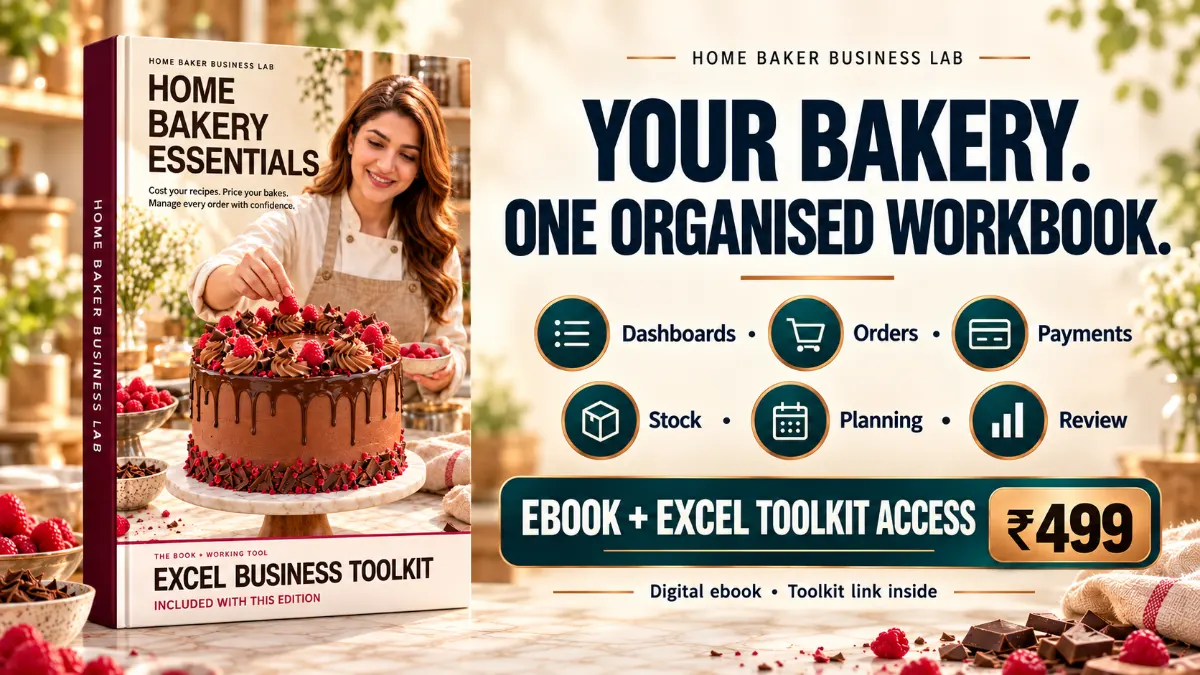
Keep orders, customer details, payments, stock, expenses, recipe costs and production plans in one place, with dashboards that show you the bigger picture.
Most home bakeries run on a mix of WhatsApp chats, notebook pages and memory. That works until you need to answer a simple question and can't find the answer.
Business and quote dashboards pull the key figures from your records into focused views, so you can check the picture behind your day-to-day work.
Customer details, order records and accepted quote figures in the same workbook, so you can find them when preparing an order or replying to a customer.
Record advances, receipts, refunds and price credits. See what has been paid and what is still due, from your own order and payment records.
The production planner brings upcoming orders and due dates together, so you can see your workload before you plan the next bake.
Log stock movements and expenses. Check the stock overview for the quantities you've recorded before buying more.
Work out recipe and order costs, include an allowance for your own time, and compare your chosen price with your target margin.
Compare estimated and actual order costs. The monthly review keeps earned results separate from cash movement and highlights figures worth a closer look.
When these records sit in separate places, the connections get lost. The toolkit keeps all of them in one structured workbook.
Secure checkout on Superprofile. Spreadsheet software, if you need it, is separate.
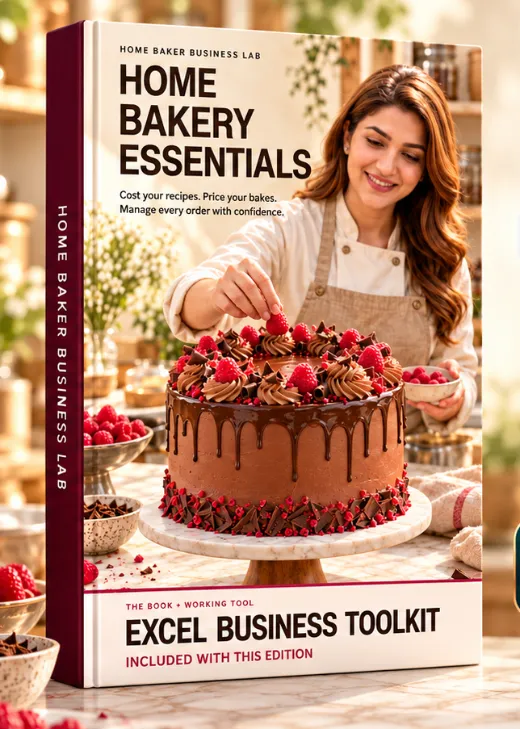
You download the 92-page ebook PDF. The QR code and clickable link on page 56 take you to the included Excel toolkit. The Excel file is not sent as a separate checkout attachment. No physical book is shipped.
Open page 56 of the PDF and click the companion-workbook link. You can also scan the QR code with another device; you don't have to scan it to use the link. If access fails, email ishakapoor265@gmail.com with your order ID.
No. The workbook also includes business and quote dashboards, customer and order records, payments, credits, stock records, a production planner, expenses and a monthly review. Costing is one part of a wider business workflow.
You need basic spreadsheet skills, such as entering data, saving copies and following instructions. The guide and examples explain the workflow. Accepted quotes must be preserved as values, as the guide instructs.
You enter and maintain your business records, and formulas calculate the supported results from those entries. Payments, stock movements, order statuses, accepted-quote snapshots and backups need your action. The workbook doesn't collect payments or deduct stock automatically.
Plan to use the .xlsx workbook in Microsoft Excel on a computer. Interactive use in Google Sheets hasn't been verified, and full Google Sheets or mobile compatibility is not promised. Keep an untouched backup and compare your first results with the worked examples. The PDF opens in any PDF reader and may need zooming on a phone.
No. ₹499 is a one-time purchase for the ebook with included toolkit access. There's no recurring charge from Home Baker Business Lab for this package. Any spreadsheet-software cost is separate.
This is a downloadable digital product, so we don't offer change-of-mind refunds once access has been provided. If your payment succeeded but you didn't receive the ebook or can't access its included toolkit, email ishakapoor265@gmail.com with your order ID, payment reference and the email address used at checkout. Never send card details, passwords or UPI PINs. We'll verify your payment and delivery status. If non-delivery is confirmed, we'll issue a refund or, if you prefer, arrange delivery instead. This policy does not limit any rights or remedies you have under applicable consumer law, including for defective or misdescribed products.
The toolkit works with the information you enter. It does not automatically capture every business expense, bring you customers, guarantee profit or provide tax accounting. The sample records are fictional; the guide shows you how to replace them before you start your own records.